


menu
EN
EN DE CZ
ioFM for facility management: now available in the Autodesk App Store

ioFM for facility management: now available in the Autodesk App Store

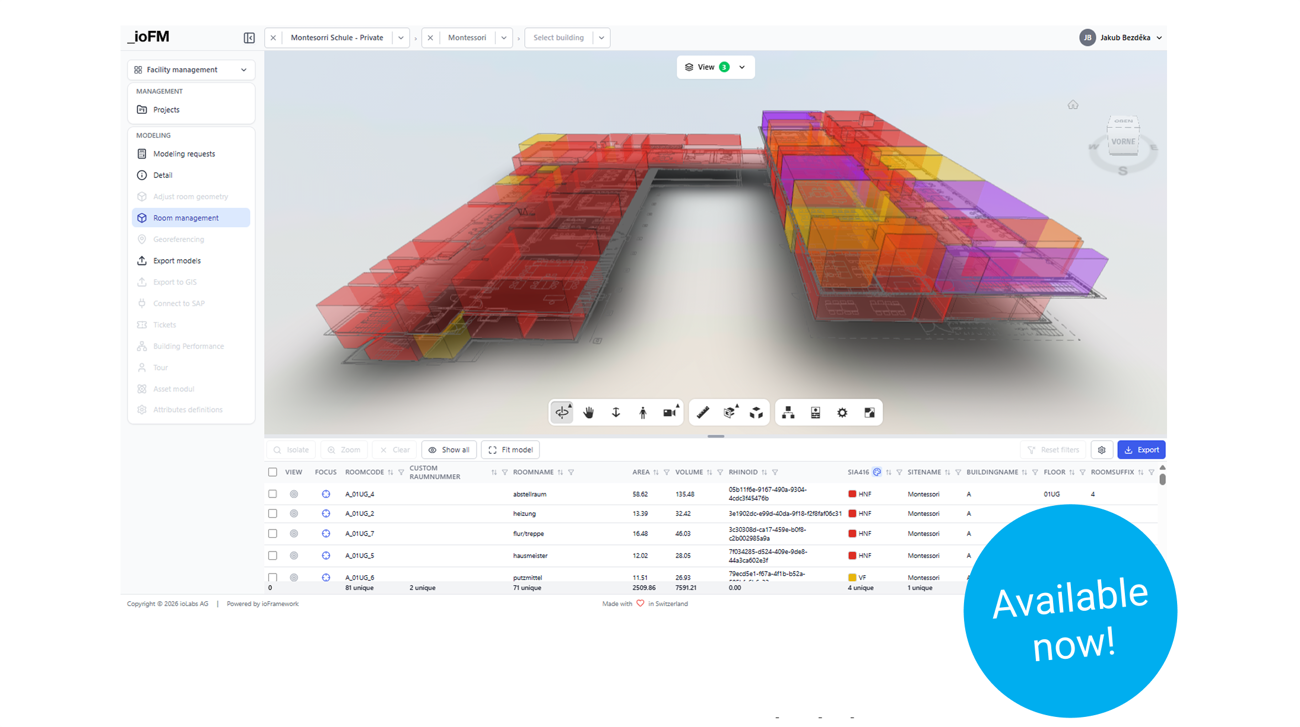
NEWS: We're excited to announce that ioFM, our BIM solution for Facility Management, is LIVE in the Autodesk App Store now.

🏗️ The pain points we're solving together with Autodesk:
→ Heavy BIM models that are overkill for everyday FM tasks
→ Scattered documentation across legacy systems
→ No spatial context for issue tracking across large portfolios
→ Difficulty scaling FM processes from a single building to hundreds of sites

💡 We solve these pain points by:
→ Sync your facility models and building information between ioFM and Autodesk Docs
→ Import rooms, levels, and buildings into Autodesk Construction Cloud (ACC) as a location
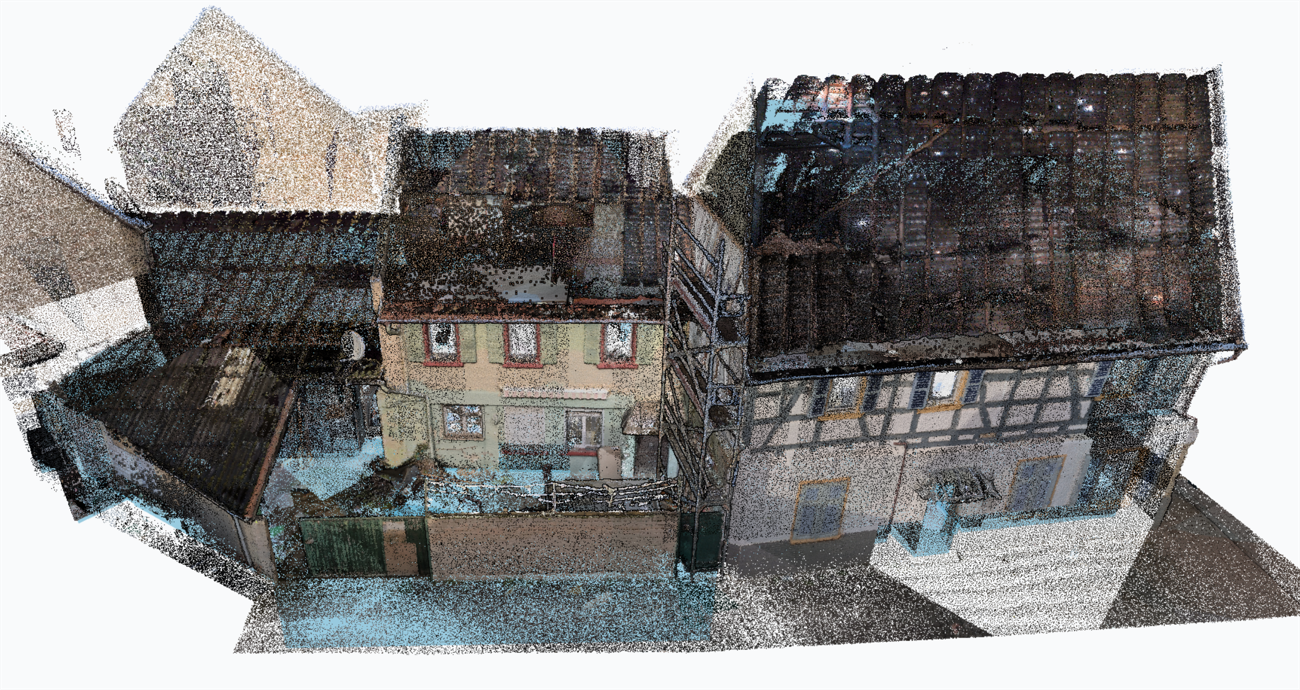
→ Create assets in ioFM based on an imported 3D scan and upload these assets to ACC
→ Create and update Autodesk Build Issues directly from ioFM

Whether you manage a university campus, hospital, or industrial complex — ioFM turns your existing floor plans, point clouds, or even hand-drawn sketches into actionable FM data connected to Autodesk Construction Cloud.

➡️  Learn more: https://iolabs.ch/en/iofm/
➡️  Link to the App Store: https://lnkd.in/dnm6jVna

Recent articles

All articles
Asset Management in ioFM: from a static model to a dynamic FM tool
1.6.2026

Asset Management in ioFM: from a static model to a dynamic FM tool

Assets are the fundamental elements that turn a static building model into a dynamic facility management tool.

Join us at auxalia Keynotes 2026
22.5.2026

Join us at auxalia Keynotes 2026

On 11 June 2026, ioLabs CEO Martin Loucka will present how existing buildings can be digitized with ioFM.

Seven Platforms. One Truth. Zero Manual Work.

Seven Platforms. One Truth. Zero Manual Work.

Seven platforms. Dozens of projects. And manual data transfers every single day — until we solved it for Birchmeier.

Schedule a meeting
Case studies Custom software Services Blog ioFramework ioSync ioFM EVA Environment Contact